
Virtual ring try-on, on your own hand.
One photo of your hand is all it takes. See realistic previews of engagement ring styles on your own fingers, save the looks you love, and walk into the store already knowing what suits you.

Live on the App Store for iPhone.
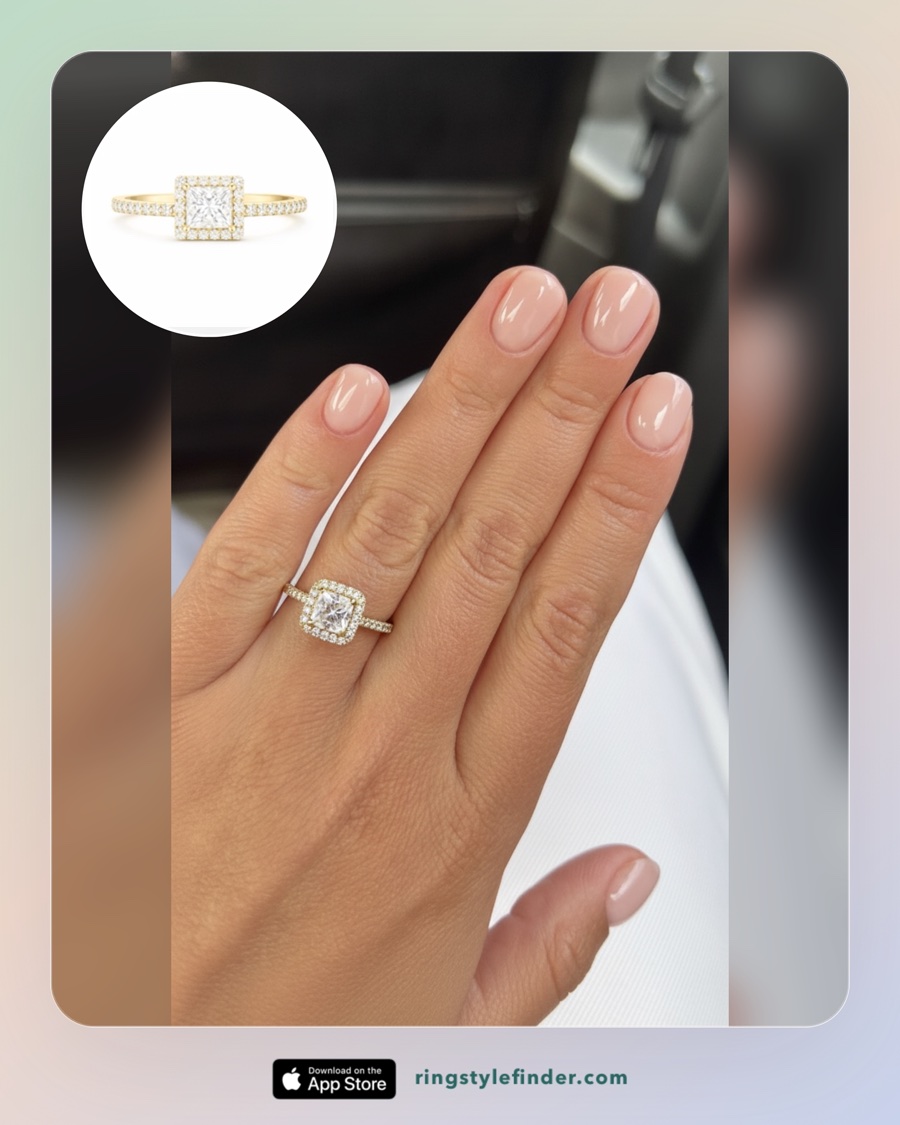
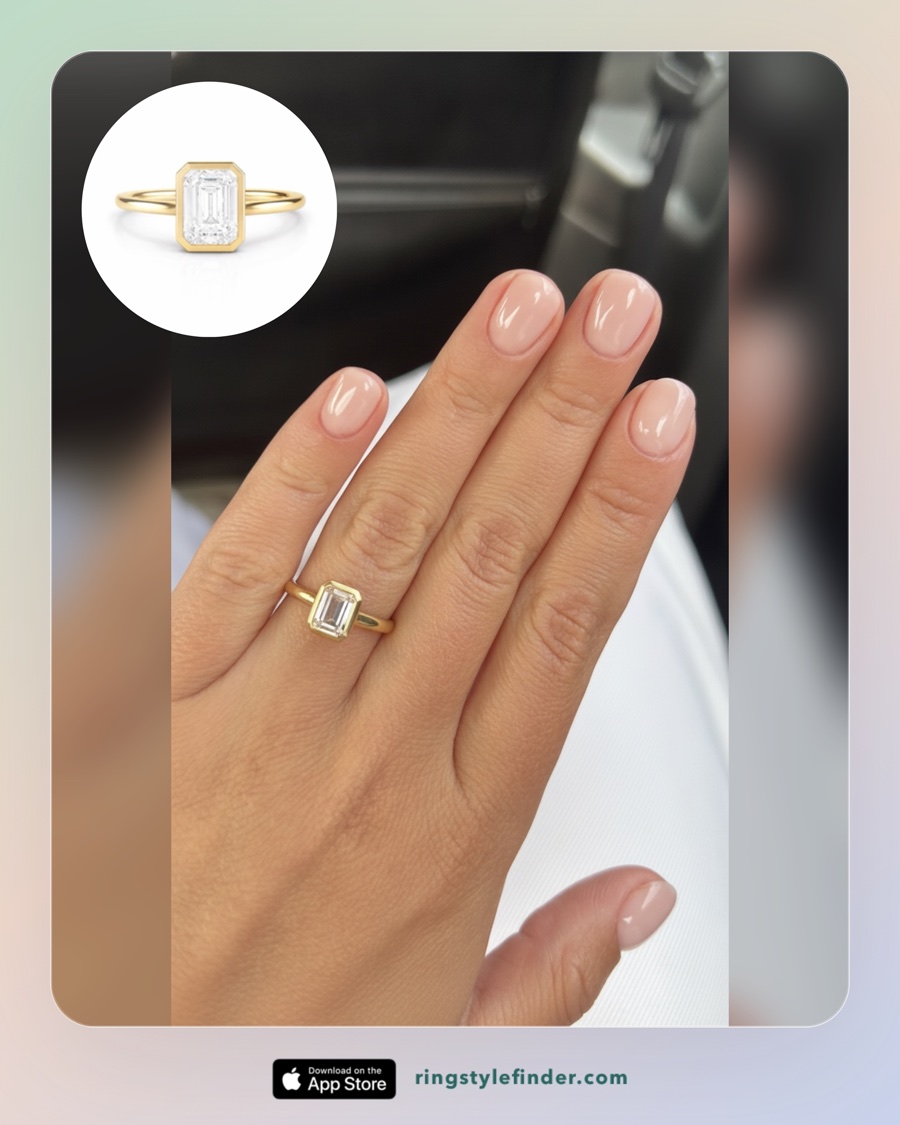
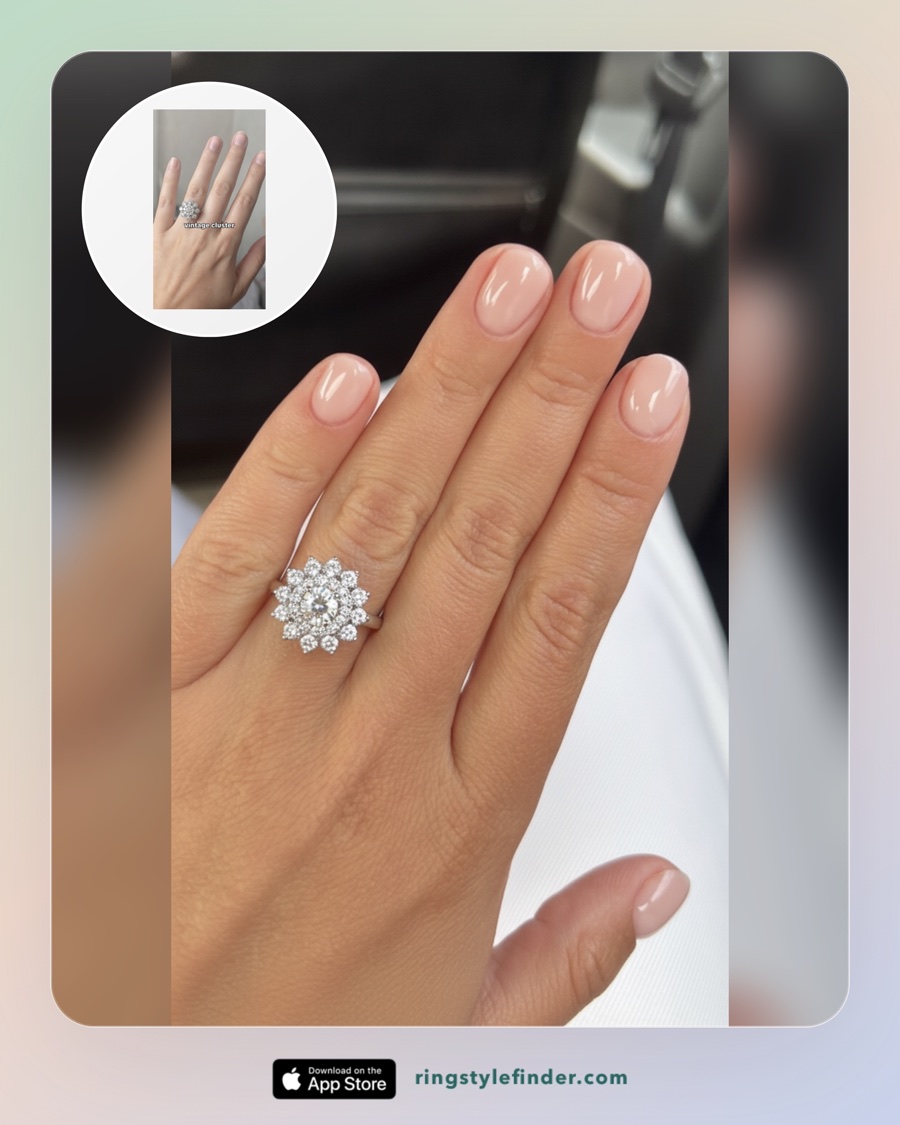
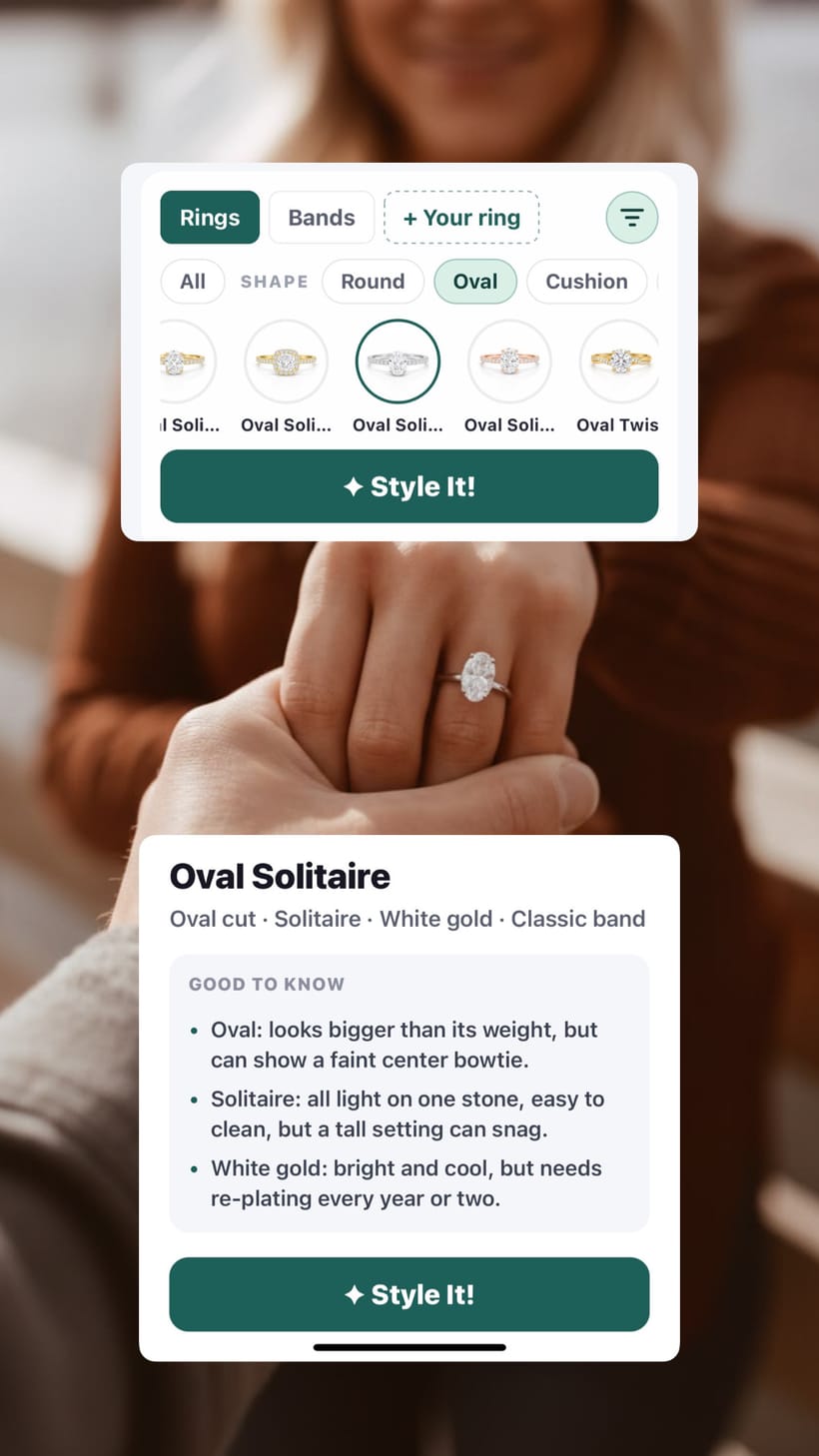
Real previews from the app. Same hand, three different rings.
Why try rings on virtually first?
A ring that looks stunning in a store tray can feel wrong on your own hand, and the ring you almost skipped can turn out to be the one. Store visits are short and salespeople are persuasive. Trying styles on your own hand at home, at your own pace, means you arrive knowing what you actually like. No pressure, no guessing, no buyer's remorse.
How it works
Take one hand photo
A clear photo of your hand in good light. That photo becomes the base for every try-on.
Pick rings you are curious about
Browse styles by shape, setting, and metal. Oval, pear, emerald, round, marquise, princess, and cushion are all there.
See it on your hand
The app creates a realistic photo of the ring on your finger. Save the looks you love and compare them side by side.
The same hand, five very different rings
Every image below was created in the app from the single bare-hand photo shown in the preview above. This is what makes virtual try-on useful: you can compare shapes and metals on your own skin tone and finger shape, not on a model's hand.
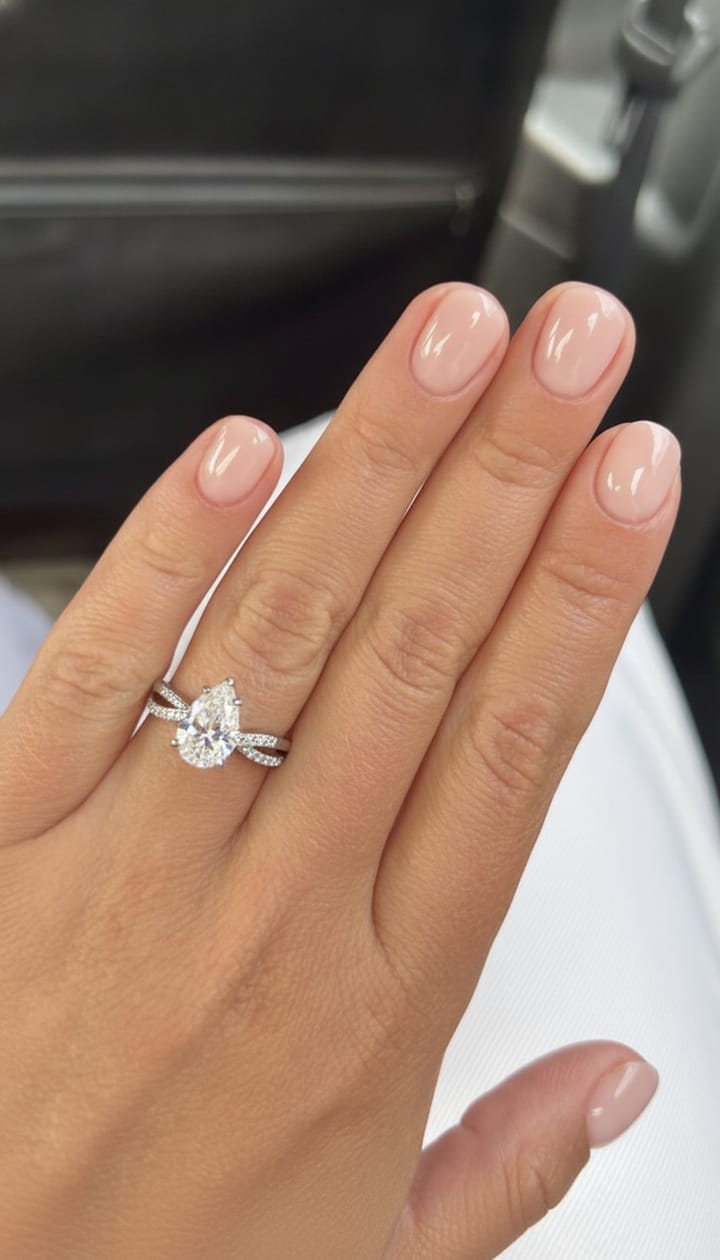
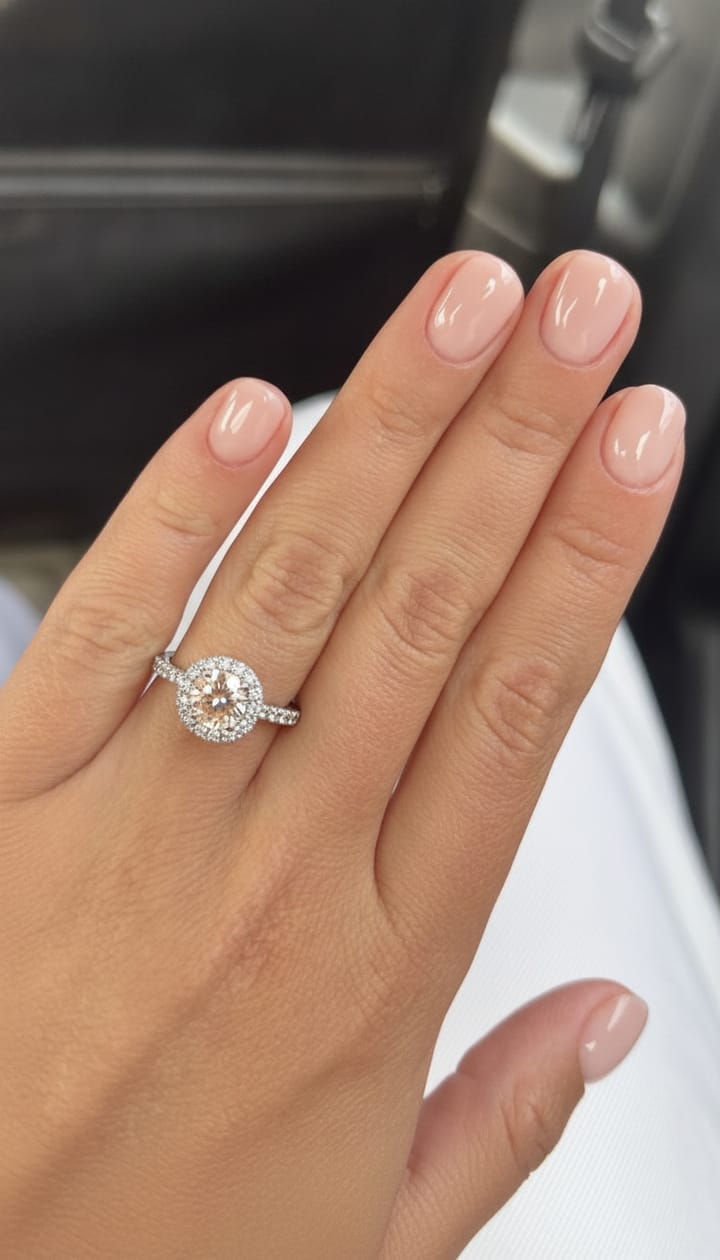
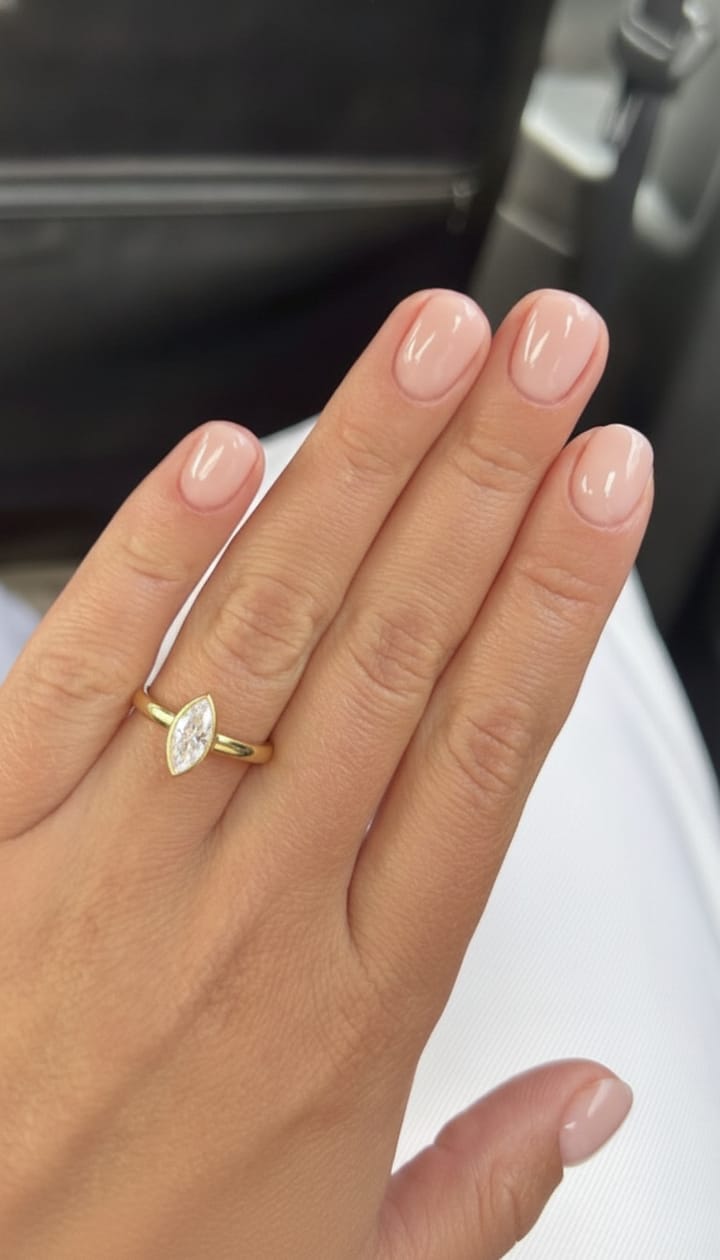
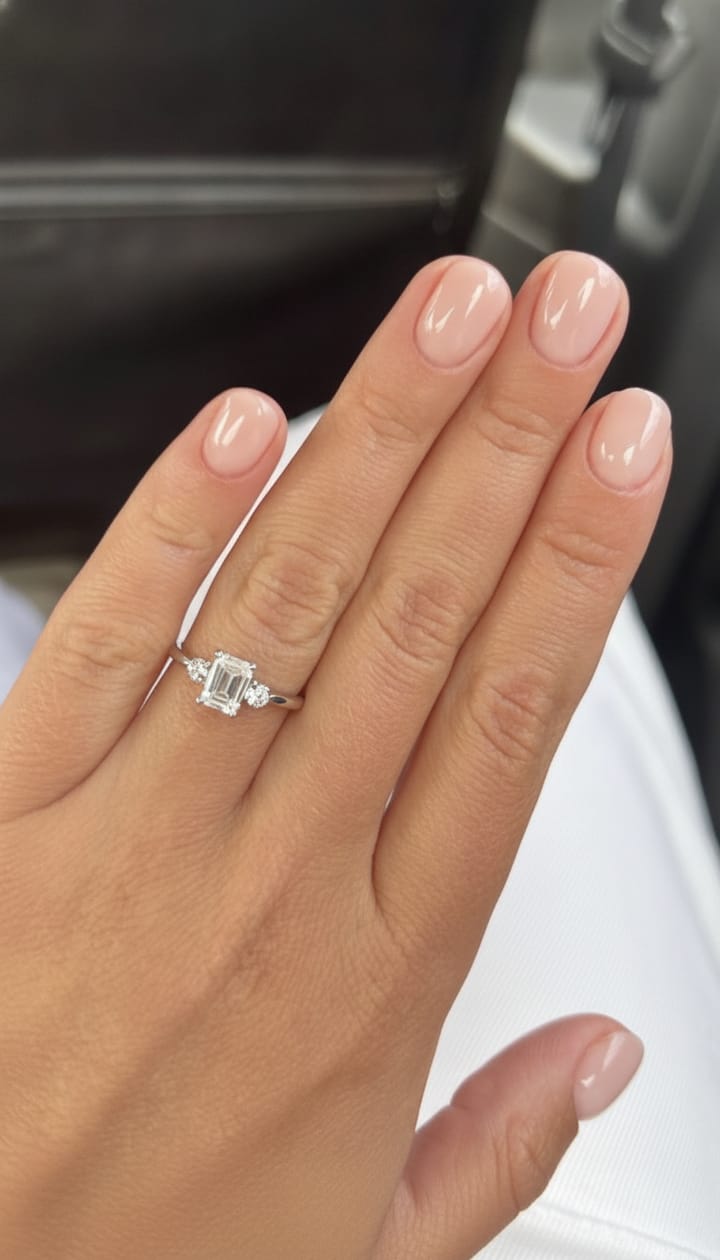
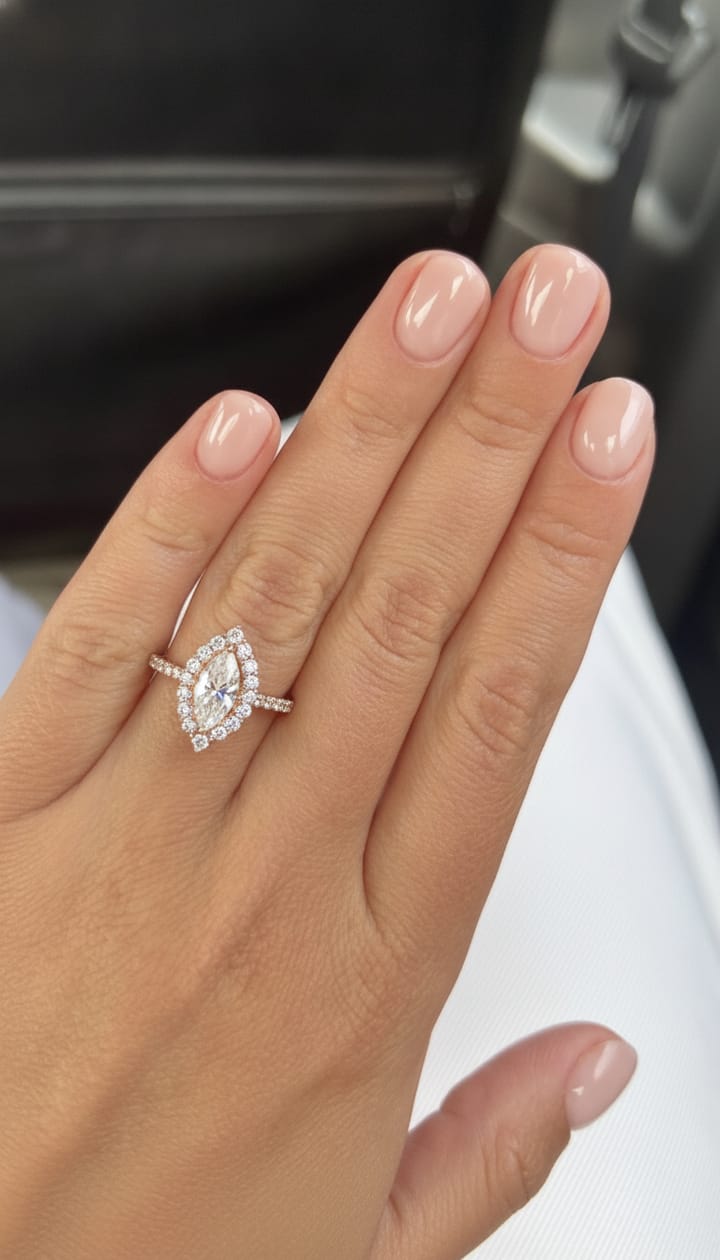
Diamond ring try-on for every shape
Shape changes everything about how a diamond sits on your finger. An oval or marquise stretches the hand and reads bigger for the same carat weight. A round is bright and timeless. An emerald cut is calm and architectural. Trying each one on your own hand is the fastest way to find out which story fits you.
- Oval, round, pear, emerald, marquise, princess, and cushion diamonds.
- Solitaire, halo, three-stone, bezel, and twist settings.
- Yellow gold, white gold, and rose gold.
- Wedding bands too, so you can picture the full stack.
Not sure where to start? The what ring style suits me guide walks through it, and the style quiz guide helps you read your own taste.
FAQ
How does virtual ring try-on work?
You take one clear photo of your hand in the app. Then you pick a ring style, and the app creates a realistic photo of that ring on your own finger. Every preview on this page was made this way, on the same hand photo.
Is virtual ring try-on realistic?
The previews are photo quality, with the lighting and shadows of your original photo. They are meant to show how a style looks on your hand. Exact stone size and fit should still be confirmed with a jeweler.
Can I try on diamond rings of different shapes?
Yes. The catalog covers oval, round, pear, emerald, marquise, princess, and cushion diamonds across solitaire, halo, three-stone, bezel, and twist settings.
How do I get the app?
Ring Try On: Style Finder is live on the App Store for iPhone. Download it, add one hand photo, and start creating try-on previews of ring styles on your own hand.
Do I need to visit a store to try on engagement rings?
No. You can explore shapes, settings, and metals at home first. Most people then visit a jeweler with two or three styles they already know they love.
Ring Try On: Style Finder
See it on your hand before you buy it.
Download the app, take one photo, and try on your first ring in about a minute. Or see how AI ring try-on works.