
AI engagement ring try-on.
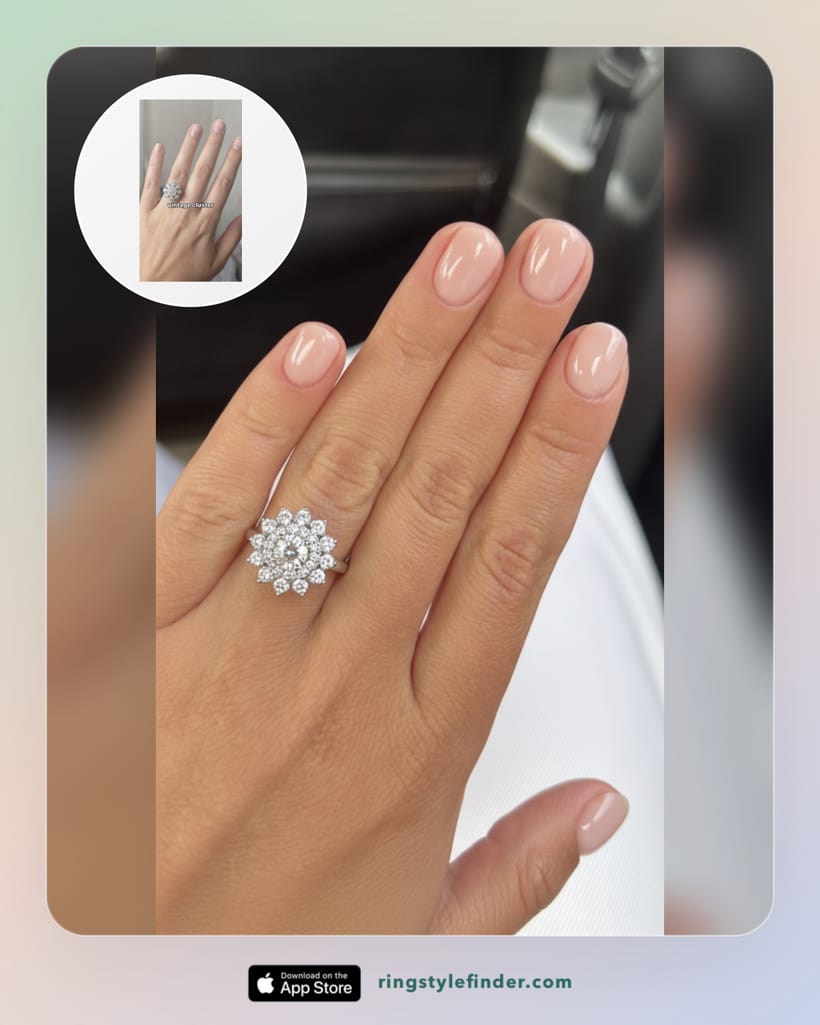
Pick a ring, and the app creates a realistic photo of it on your own hand. Not a filter, not a floating sticker. A photo that looks like you were wearing the ring when you took it.

Live on the App Store for iPhone.
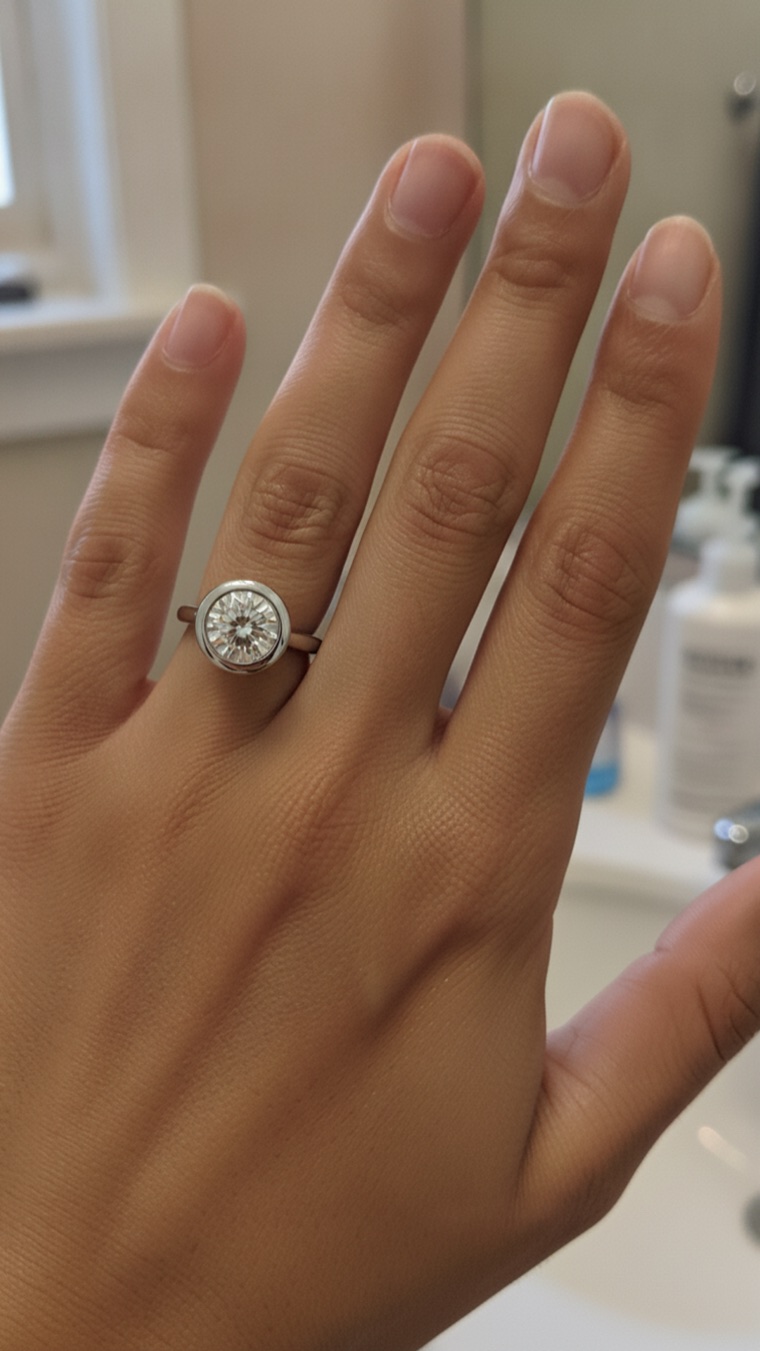 AI preview from the app
The ring you pick is the ring you see
This is the part most people do not expect. The preview is not a lookalike or a generic sparkle effect. Every photo below is a real ring rendered on a real hand in the app, so you can see how a style actually sits before you shop.
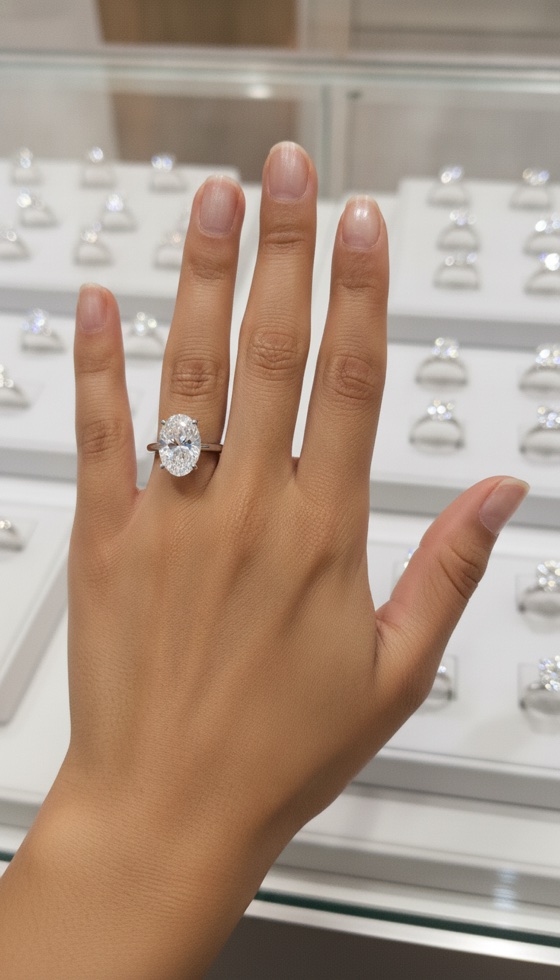
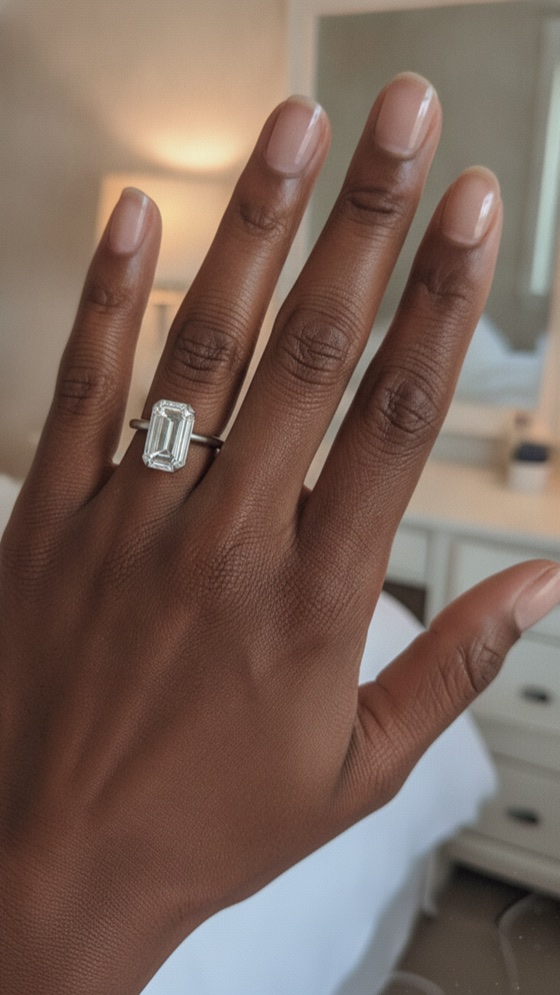
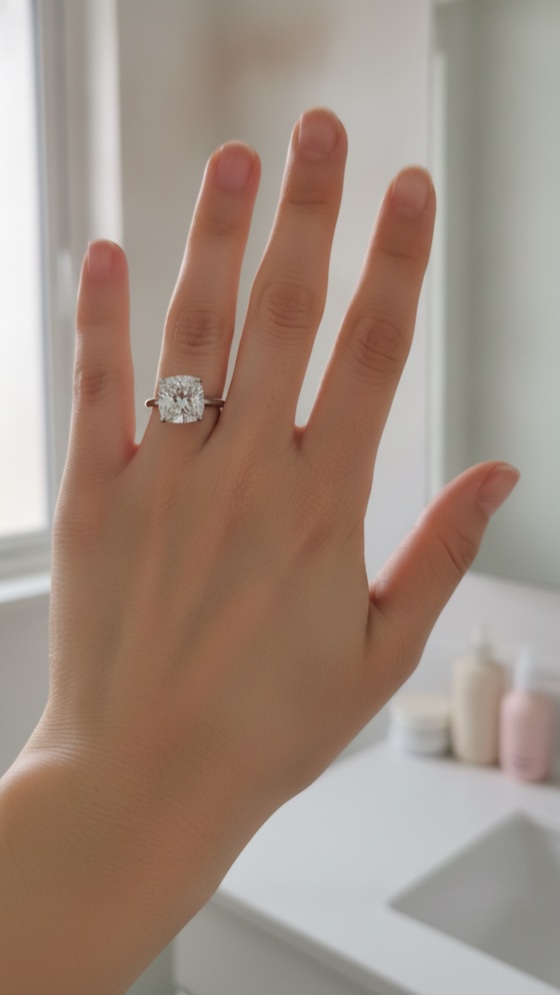
Found a ring somewhere else? Try that one on too
Most people already have a camera roll full of rings. Add any of those photos in the app and the AI renders that exact ring onto your hand.
- Pinterest saves you keep going back to
- TikTok and Instagram screenshots
- A photo of a friend's or family ring
- A ring you spotted at a jeweler
That turns a folder of screenshots into something you can act on. Instead of wondering whether the vintage cluster you keep saving would suit you, you see it on your own finger and know.
Why photo-based AI beats an AR camera filter
It looks real
The ring is rendered with the light, shadows, and skin tones of your photo. AR overlays float on top of your camera and shimmer when you move.
You keep the photos
Every look saves to your gallery in the app. Compare rings side by side, sleep on it, or send the favorites to your partner.
It works on one photo
No holding your hand steady in front of a camera. Take one good photo once, then try on as many rings as you want.
What to expect from the previews
A try-on preview shows you the style story: how the shape sits on your finger, how the metal looks against your skin, whether the ring feels like you. It is honest guidance, not a promise of millimeters. Stone size and fit should still be confirmed with a jeweler, and the app's ring sizer can help you find your size before that visit.
FAQ
What is AI engagement ring try-on?
AI try-on creates a realistic photo of a specific ring on your own hand, starting from one photo you take. The result is a still photo you can save, compare, and share.
How is AI try-on different from AR try-on?
AR overlays a 3D model on your live camera, which tends to float and shimmer. AI try-on works from a photo and renders the ring with the same light and shadows as the rest of the image.
Can I try on a ring from a photo or screenshot I saved?
Yes. Add a saved ring photo, like a Pinterest screenshot or a jeweler listing, and the app renders that ring onto your hand.
What photo works best?
A clear photo of your hand in good light, fingers relaxed and slightly apart, against a simple background. Busy backgrounds and backlit shots make results worse.
Is my hand photo private?
Your photos stay in your account and are used to create your try-on previews. You can request deletion of your data at any time, as described in the privacy policy.
Ring Try On: Style Finder
Your hand. Any ring. One photo.
Download the app and see your first ring on your own hand in about a minute. Or start with the virtual ring try-on overview.