 Virtual engagement ring try-on
See your favorite rings on your hand.
Explore how different engagement rings really look on your own hand, and learn what you love before you ever step into a store.


-
Step 01
Style Finder
Answer quick prompts about what catches your eye.
-
Step 02
Top Picks
Get a curated shortlist of styles to try on.
-
Step 03
Try On
Preview favorites on your own hand with virtual try-on.
See it on your hand.
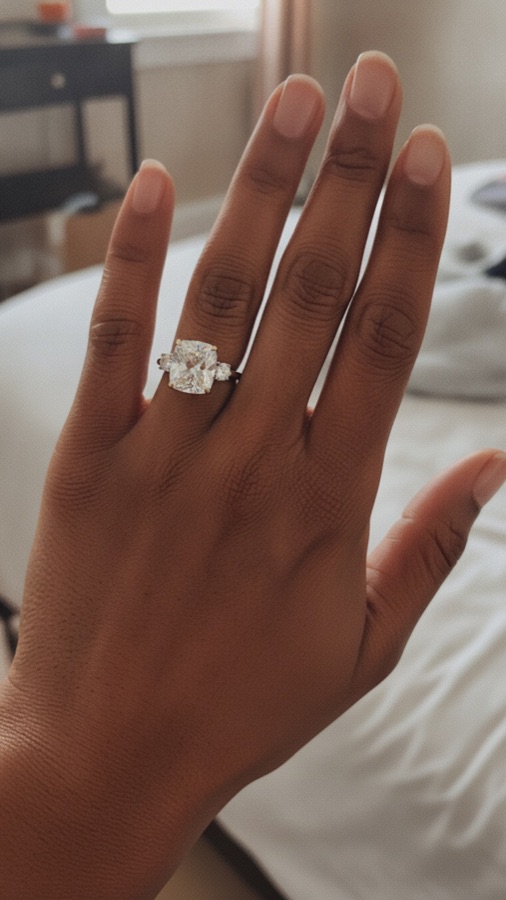
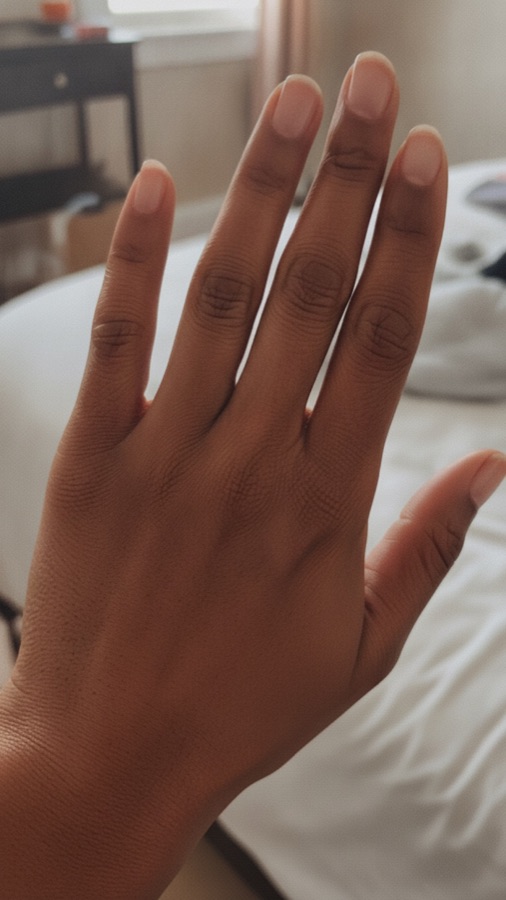
Answer a few quick style prompts, then preview your favorite ring styles on your own hand with a photo-based try-on.
Discover what you like
Quick prompts turn gut reactions into styles worth trying, no ring vocabulary needed.
See it like it's real
Virtual try-ons look like real photos of your own hand, so you can judge each ring honestly.
See your taste take shape
Your looks stay in one place, so you can compare styles and notice what you keep coming back to.
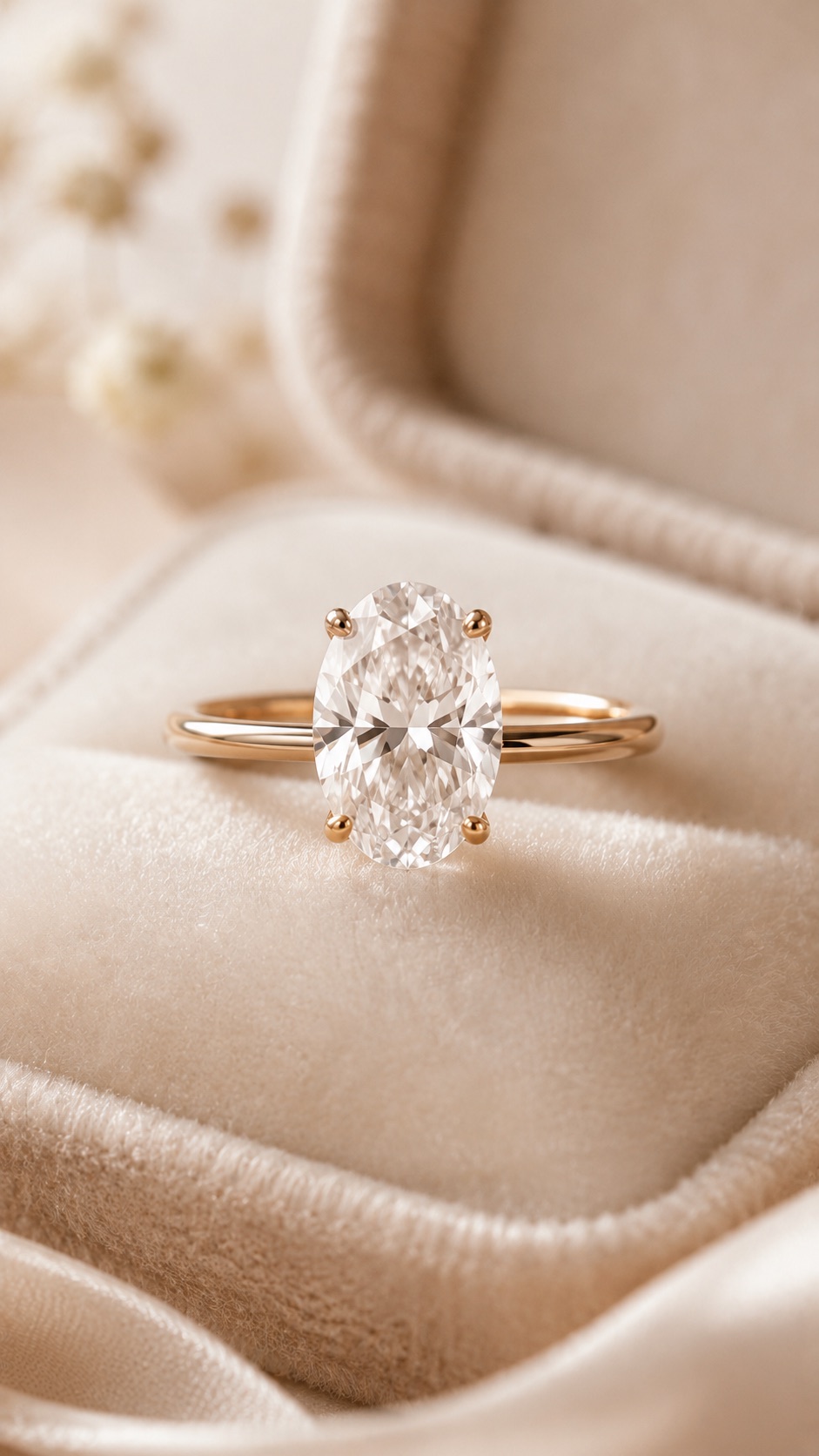 Ring style guide
Keep exploring by ring style.
Free guides that teach the terms jewelers use, so you can describe exactly what you like.
Contact
Questions? Say hello.
Reach the team behind Ring Try On: Style Finder. We read every message and usually reply within a day.
Walk into the jeweler knowing exactly what you like.
See your favorite styles on your own hand and leave with a shortlist you can actually describe.