
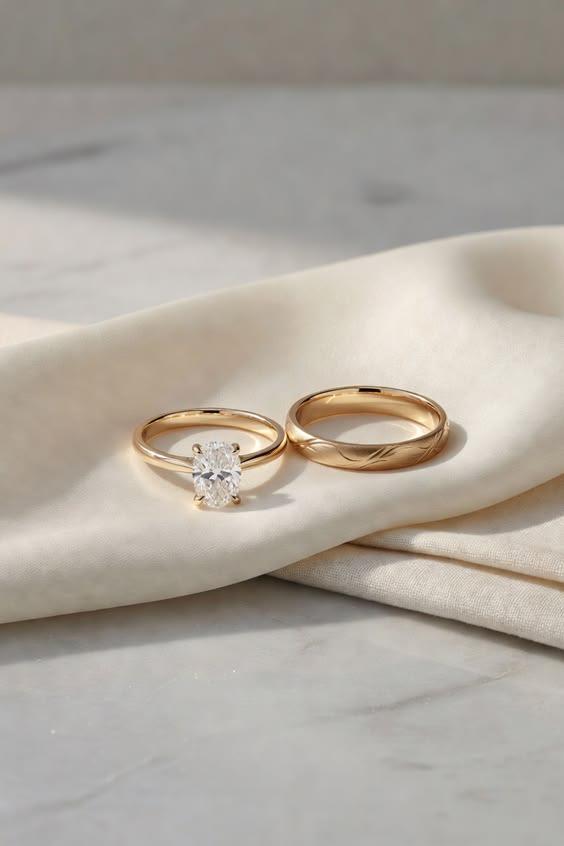
Start with the engagement ring profile
A wedding ring finder works best when it begins with the ring you already have or plan to wear. Look at the setting height, basket shape, side stones, and whether the engagement ring sits high enough for a straight band to tuck underneath.
If there is a gap, decide whether you like that negative space. Some stacks look modern with a small gap. Others feel more polished with a curved, contour, or open band that follows the engagement ring more closely.
What to compare before choosing a band
Keep the first comparison narrow. The goal is not to find every possible wedding ring. It is to learn which band directions make the engagement ring feel balanced on your hand.
- Fit: straight, curved, contour, open, or nested.
- Width: delicate, balanced, or intentionally bold.
- Metal: matched metal, mixed metal, or contrast detail.
- Finish: plain, pave, channel-set, engraved, or textured.
- Stack shape: flush, slight gap, nested, or layered.
Preview wedding bands in Top Picks
The Bands feature lives on the Top Picks page. It helps you preview a wedding band direction with the engagement ring on your hand, so you can compare the stack shape before you bring examples to a jeweler.
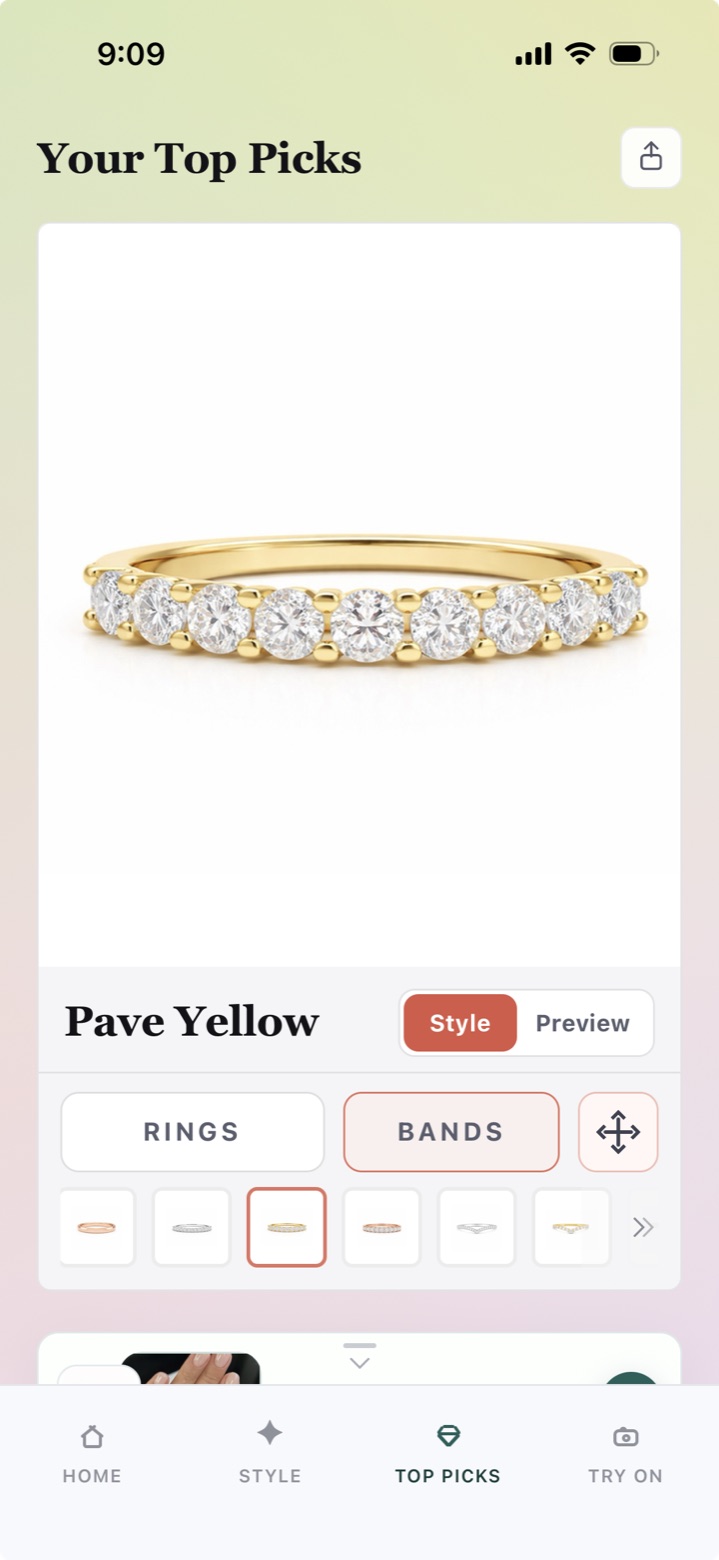
This is a hand preview for wedding band proportions, not the photo-based Virtual Try-On flow. Wedding bands can also be used in Virtual Try-On; this screenshot just shows the Top Picks Bands preview.
Use previews to narrow the wedding ring stack
Wedding bands can change the whole feel of an engagement ring. A plain band can make the center stone feel calmer. A diamond band can add sparkle. A curved band can make a detailed setting look more intentional.
Ring Style Finder is useful before the final appointment because it helps you compare visual directions and save a smaller set of examples. Use the band preview to narrow the stack, or use Virtual Try-On when you want a photo-based wedding band preview. Then confirm comfort, exact fit, durability, and craftsmanship with a jeweler.
Bring a smaller set to the jeweler
Three to six wedding band directions are usually enough: one plain option, one sparkle option, one contour option, and one stack that pushes your taste slightly. That gives a jeweler enough context without turning the appointment into a catalog scroll.
If you are still choosing the engagement ring too, start with the engagement ring finder guide first, then use this wedding band guide once the main ring direction is clearer.
FAQ
What is a wedding ring finder?
It is a tool or guide that helps narrow wedding bands by metal, width, shape, fit, and how the band looks next to an engagement ring.
How do I find a wedding band that fits my engagement ring?
Start with the engagement ring profile, then compare straight, curved, contour, open, plain, and diamond bands. Confirm the final fit with a jeweler.
Should my wedding band match my engagement ring metal?
Matching metal creates a clean set, but mixed metals can work if the proportions and overall style feel intentional.
Can I preview wedding bands on my hand?
Yes. The Bands feature in Top Picks helps preview wedding band directions on your hand for stack proportions, and wedding bands can also be used in the photo-based Virtual Try-On flow.
What should I compare in a wedding ring finder?
Compare fit, width, metal, finish, stack shape, and how each wedding band changes the engagement ring on your hand.